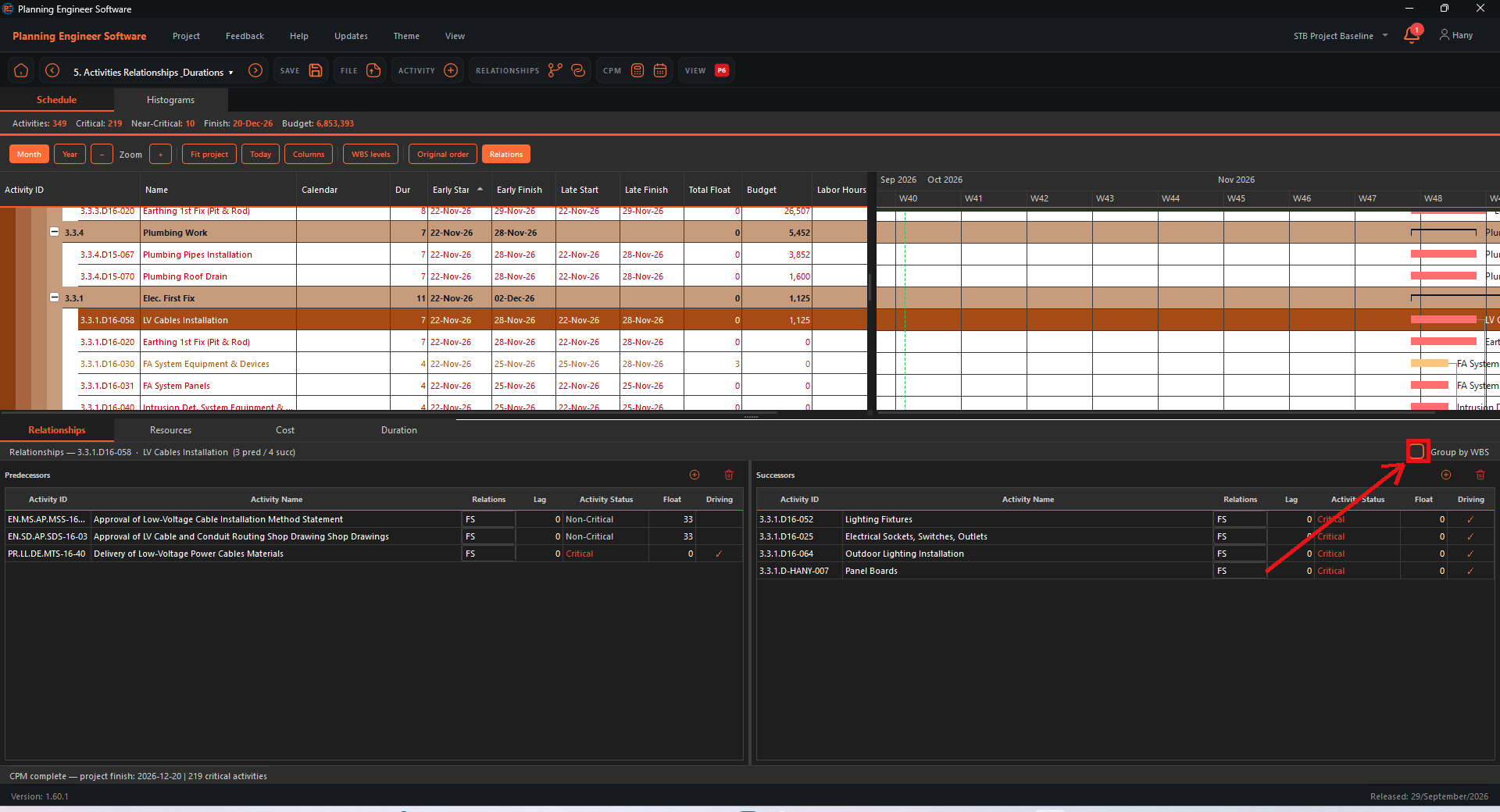
Select an activity
Click the activity in the schedule.

Open the View menu
Click View in the top menu.
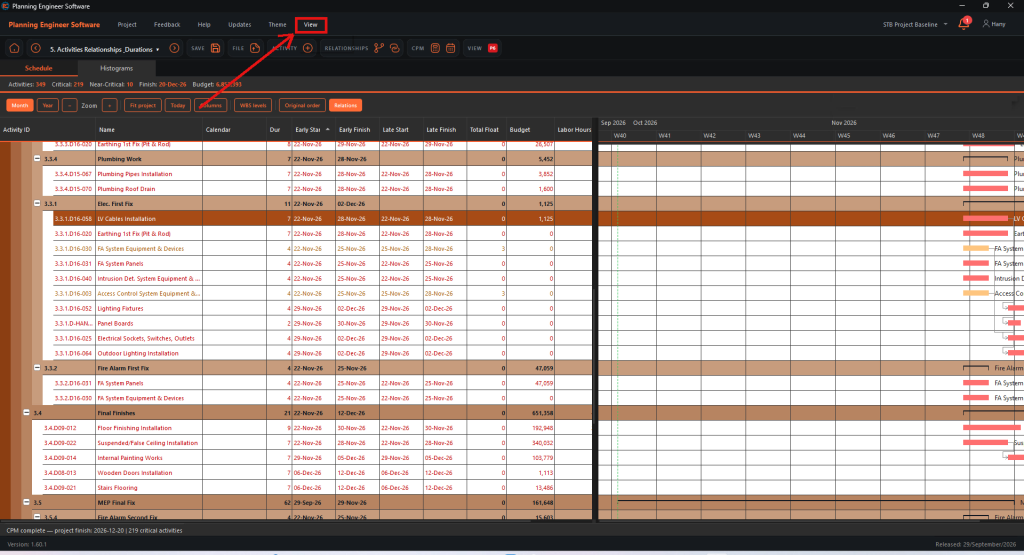
Click Details
Click Details. The details panel opens at the bottom of the screen.

Relationships
The Relationships tab lists the predecessors and successors of the activity. Use the Group by WBS checkbox to group or ungroup them.

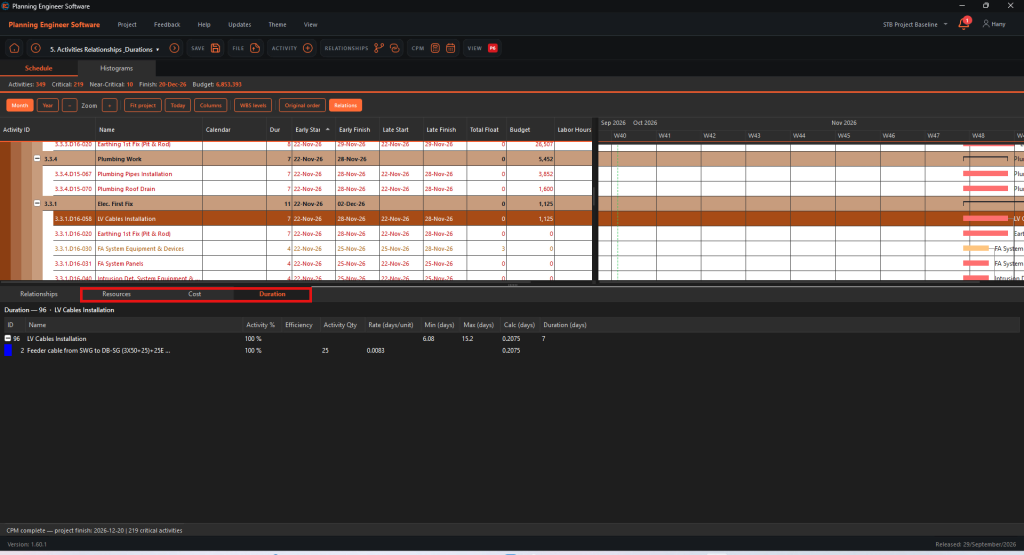
Resources, cost and duration
Use the Resources, Cost and Duration tabs to see the activity resources, where its cost comes from in the BOQ, and its duration calculation.
How to View the Details of an Activity?
See relationships, resources, cost and duration calculation for one activity
Guide 31 of 36 in Baseline creating