
Click the import button
In the WBS Creation step, click the FILE import button in the toolbar. The Import WBS from XER window opens.

Choose the XER file
Select the .xer file that contains the WBS you want to use and click Open.

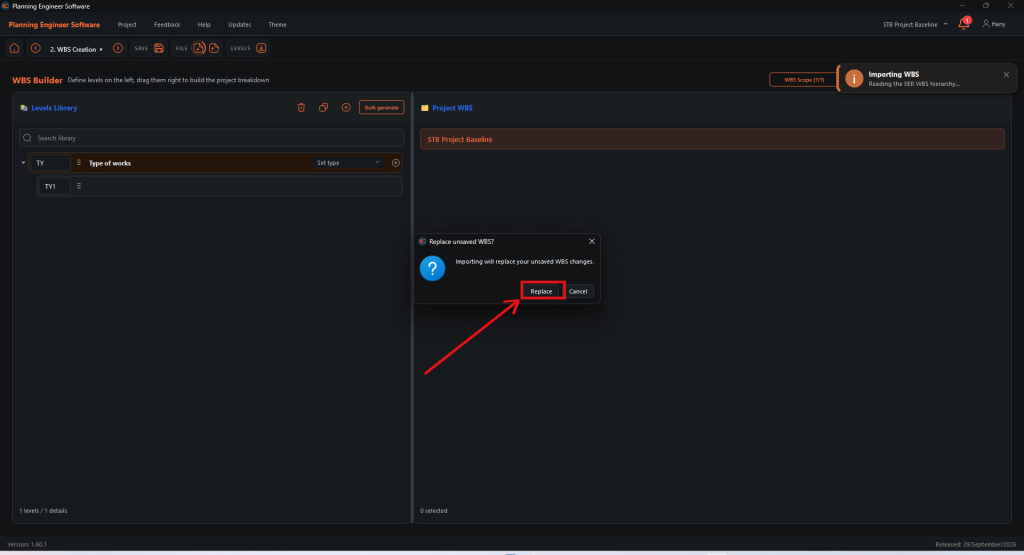
Confirm the replace message
The message Replace unsaved WBS? warns that importing replaces your unsaved WBS changes. Click Replace.
Check the imported WBS
The levels and WBS elements of the XER are loaded into the Levels Library and the Project WBS.

How to Import a WBS from an XER File?
Fill the WBS Builder from the WBS of a Primavera XER file
Guide 22 of 36 in Baseline creating


