Step 1
In the cleaned BOQ view, click on "Reorder Visible Columns"

Step 2
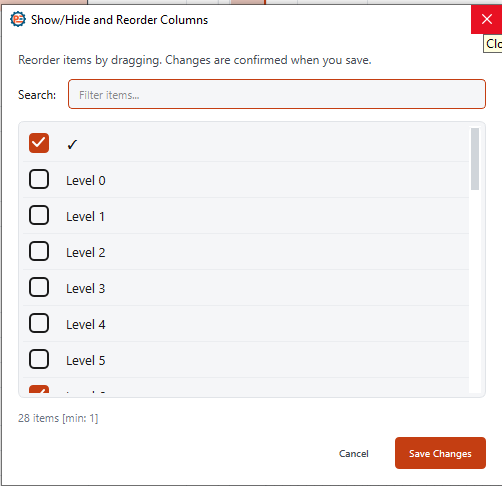
Deselect any columns to hide, then click "Save Changes"
How to Hide a Column in the Cleaned BOQ?
Guide 2 of 36 in Baseline creating

In the cleaned BOQ view, click on "Reorder Visible Columns"

Deselect any columns to hide, then click "Save Changes"