Select the view
Select the Cost view. The export uses the view that is currently open.
Note: The same export works for the Resources and Duration Calculation views.
Click Export File
Under FILE, click the Export File button (Ctrl+D).

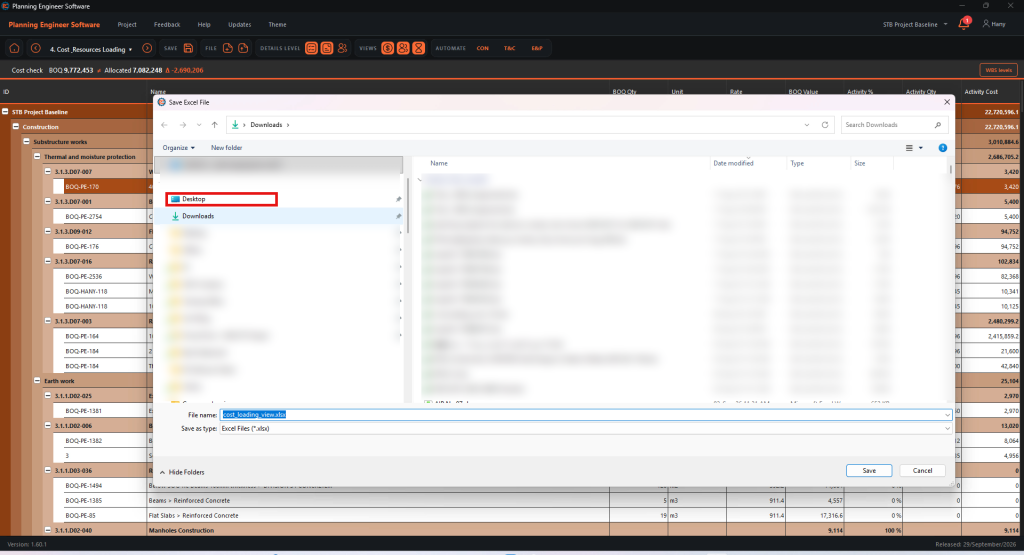
Choose the folder
In the save window, pick the folder, for example Desktop.
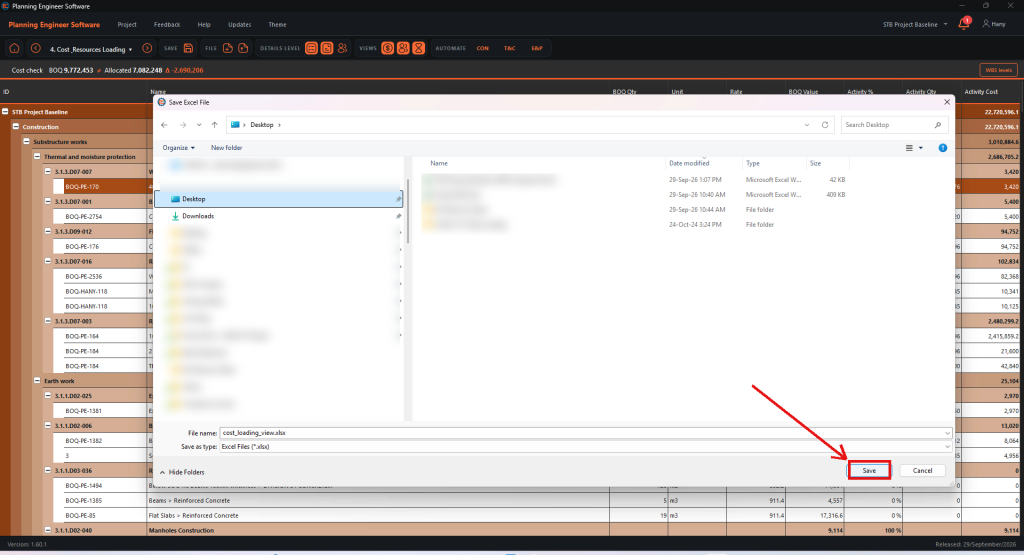
Save the file
Click Save.
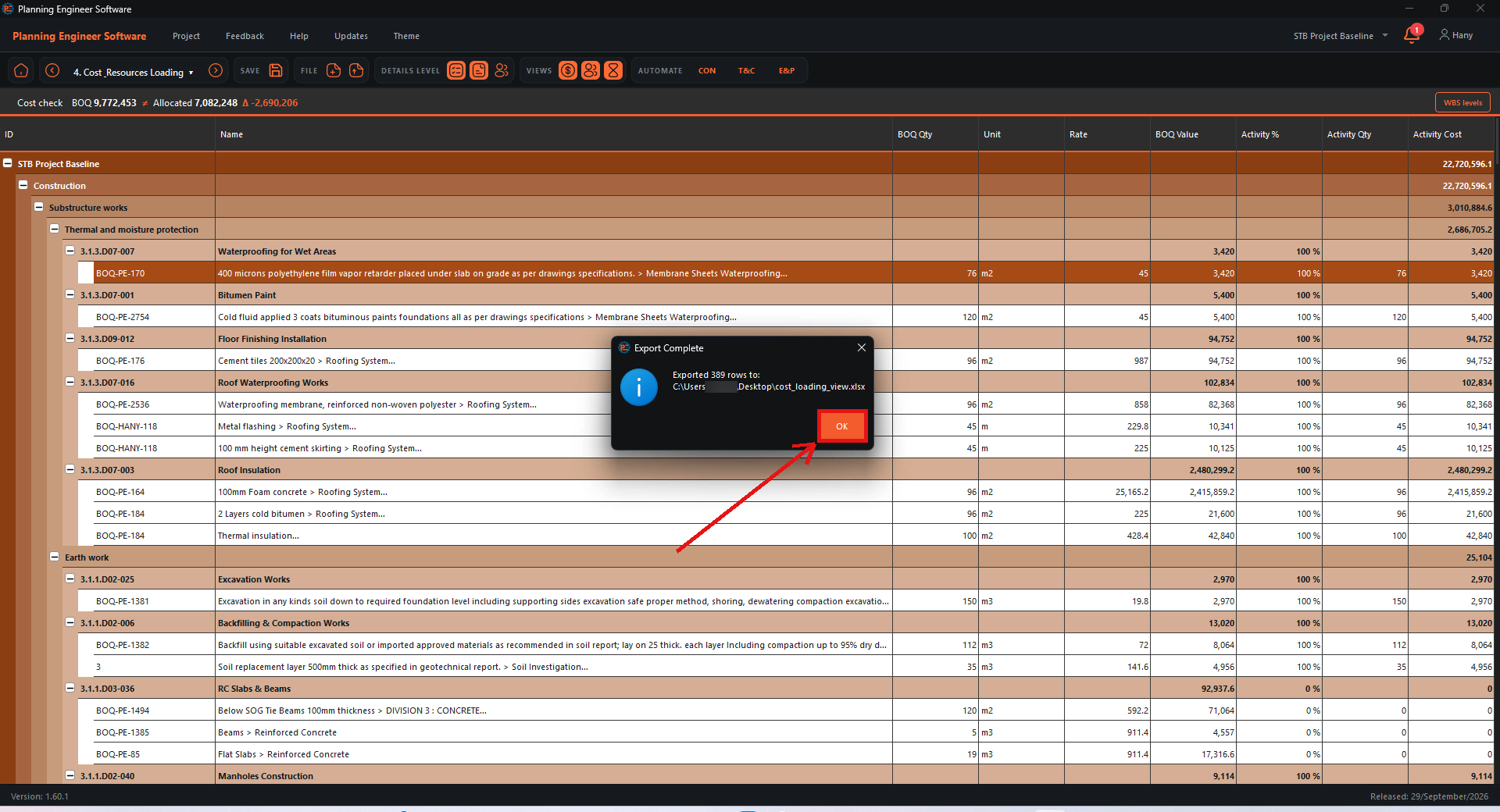
Confirm the export
The Export Complete message shows the file path. Click OK, then open the file in Excel.

How to Export the Cost Loading to Excel?
Export the cost view to an Excel sheet you can share with managers
Guide 33 of 36 in Baseline creating