Delete a WBS element
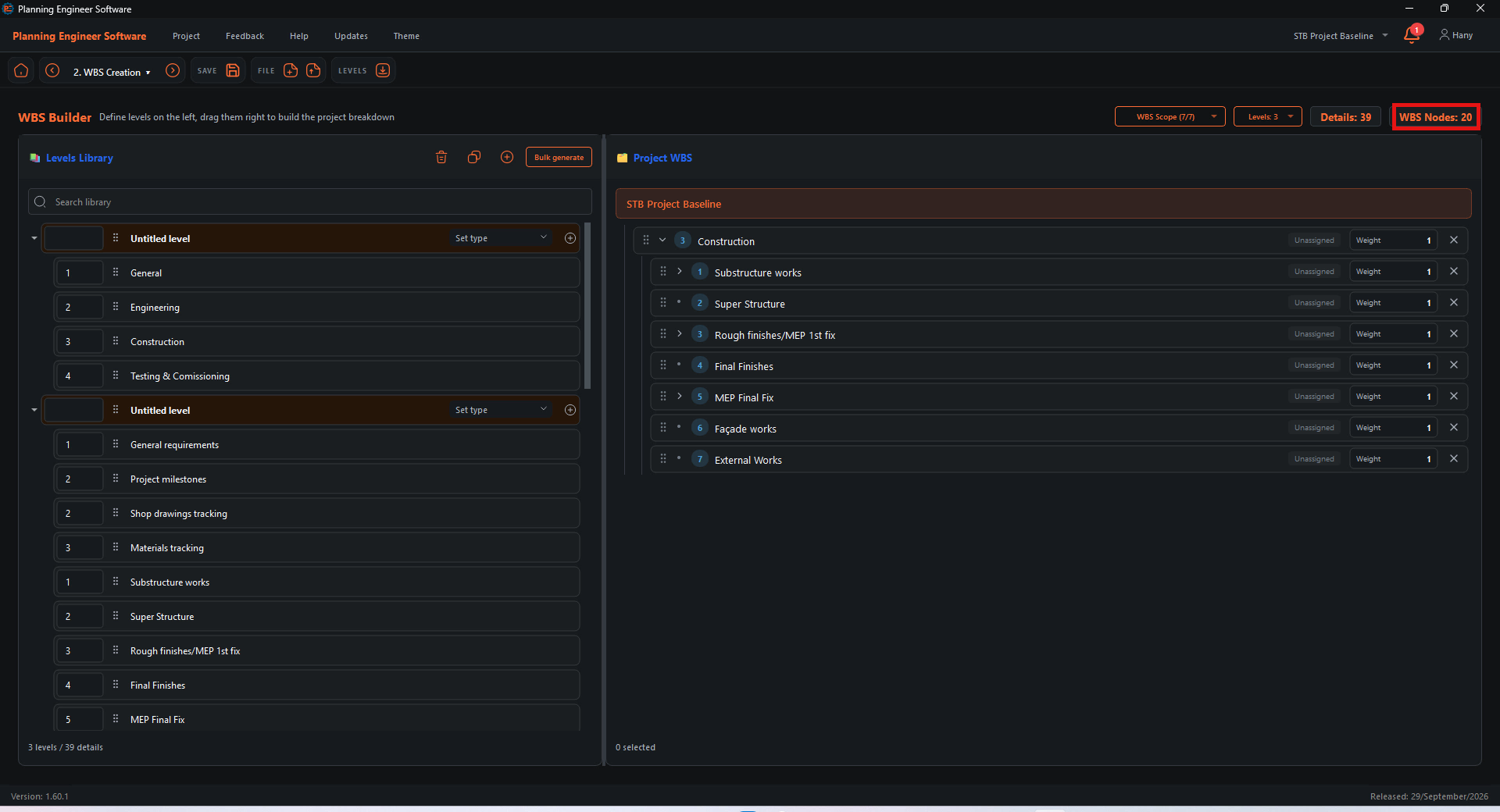
In the Project WBS, click the X at the right end of the element you do not need. The tooltip reads Delete WBS node.

Delete the others
Repeat for every element you do not need. The WBS Nodes counter at the top shows how many are left.

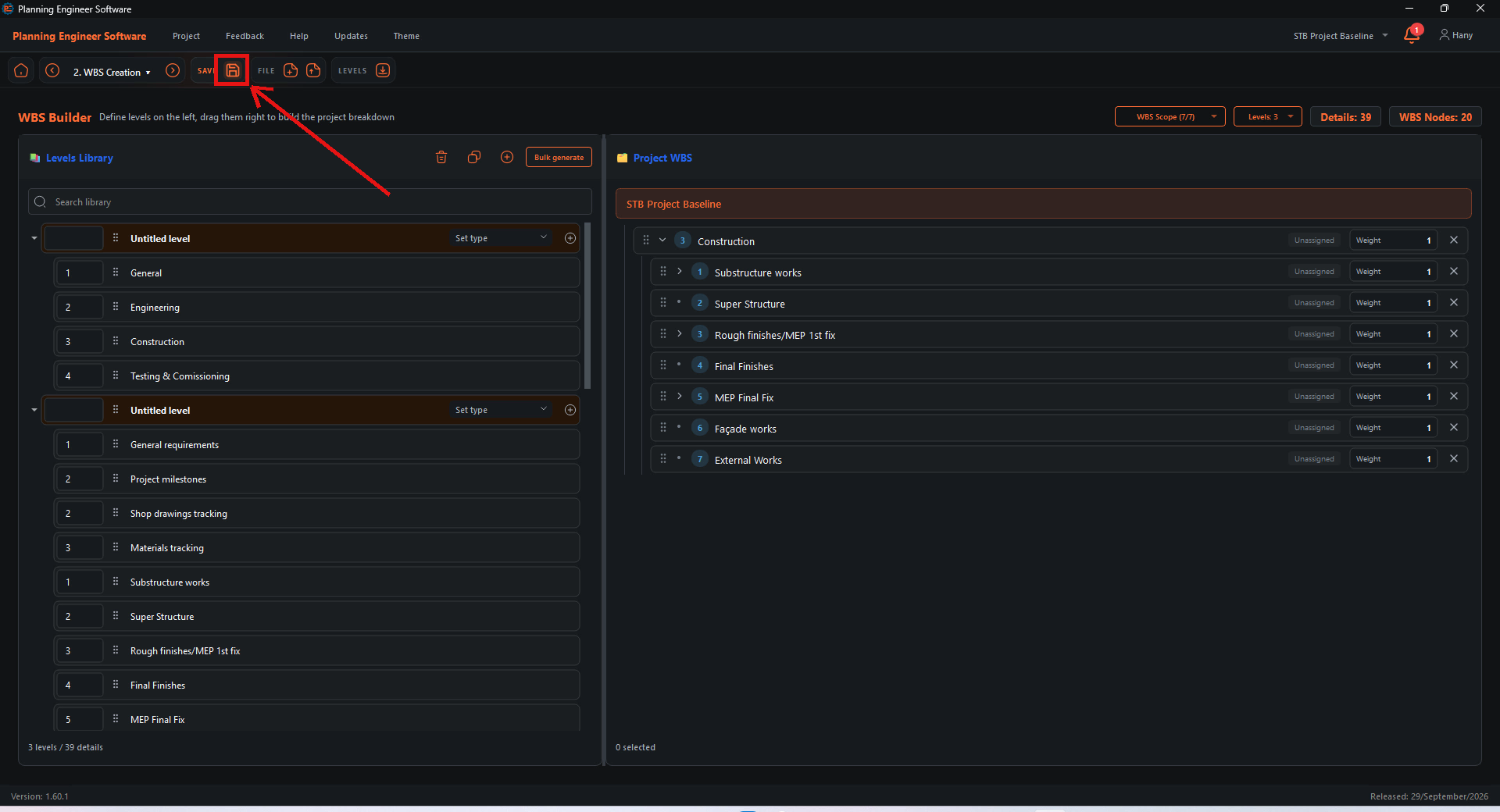
Save the WBS
Click Save.

How to Delete a WBS Element and Save the WBS?
Remove WBS elements you do not need, save, and continue to the next step
Guide 21 of 36 in Baseline creating