

Cost and Resource Loading Excel Tool.
An Excel tool to facilitate the process of linking the project BOQ and Schedule Activity List to create cost and resource loading. Once you followed the simple steps to link the BOQ and Activity list, the Excel tool will automatically creates the cost loading and resources loading ready for print. In addition to the files to be imported to primavera to add cost and resources to the activities. Watch the following video and send me your comments and recommendations to improve this tool.
If you have any question or suggestions to improve this tool, please comment in this post so we can gather all your feedback for the next release.
Ready to take your skills to the next level? 🚀 Check out our Special Online Courses! 🚀
Gain valuable insights, boost your career, and learn from industry experts.
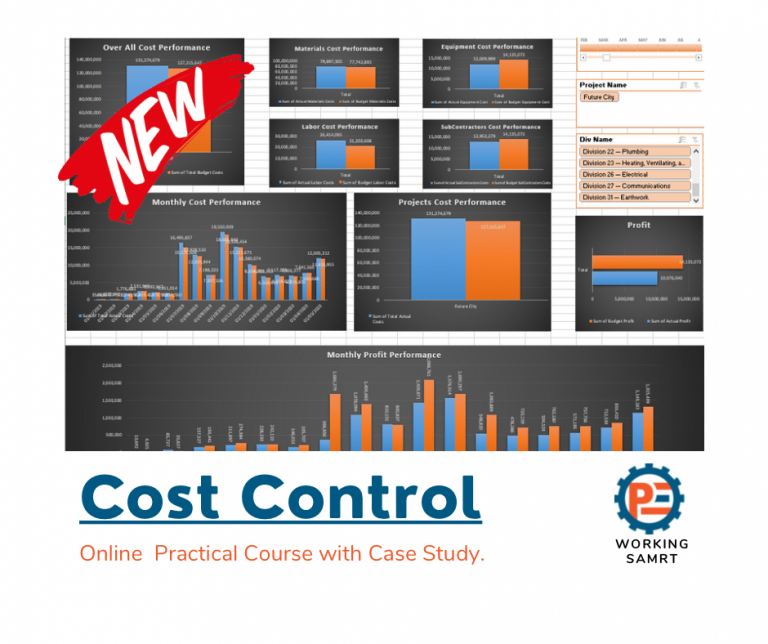
Cost Control for Construction Projects
Course WhatsApp Support Group All enrolled trainees get an invitation to the course WhatsApp support group, where our team answers your questions…
- 814 students
- WhatsApp support group
- Certificate
Download the Cost and Resource Loading Excel Tool: PE-Tool
Do you like Planning tools? Try our top 5 Planning tools package
Keep in Touch
Join our Email Newsletters and receive FREE weekly useful content!

Keep growing with Planning Engineer
Learn with a clear path
From Primavera P6 basics to claims, cost control and Power BI. Start with our free courses.
Browse coursesGet help on WhatsApp
Every course comes with a private WhatsApp support group where our team answers your questions.
Join a courseFind planning jobs
117 open planning and project control jobs. Post your resume so employers can find you.
See jobsGet tips by email
Free planning tips, templates and course offers. Unsubscribe any time.
Related posts:





You may also like

![_Can We Change a Relationship While Updating a Time Schedule How and Why [Change Log Template]](https://planningengineer.net/wp-content/uploads/2025/04/Can-We-Change-a-Relationship-While-Updating-a-Time-Schedule-How-and-Why-Change-Log-Template-600x400.png)

Leave A Reply
You must be logged in to post a comment.
10 Comments
الله ينور يا باشمهندس هاني
انت انسان محترم
Eng Hani , It is good work , continue ….
Very nice presentation. this is very good use of macro especially when you are using it for the first time. for nest version can we add the weightage distribution options.?
Aslamolaikum
I am happy to see your video. Thanks a lot
Your teaching style is very good.
And i wait for your next video .
thank you very much. very useful
You are welcome.
This is really good and should definitely save time. I particularly like the fact that one is able to easily visualize the entire workflow. Good Job !!!
It’s impressive and very helpful.
It’s amazing sir you Rock.