
Step 1
Choose the Tools Package from the Home Screen

Step 2
Choose Schedule Update Tool

Step 3
Choose XER files, then click the Browse button

Step 4
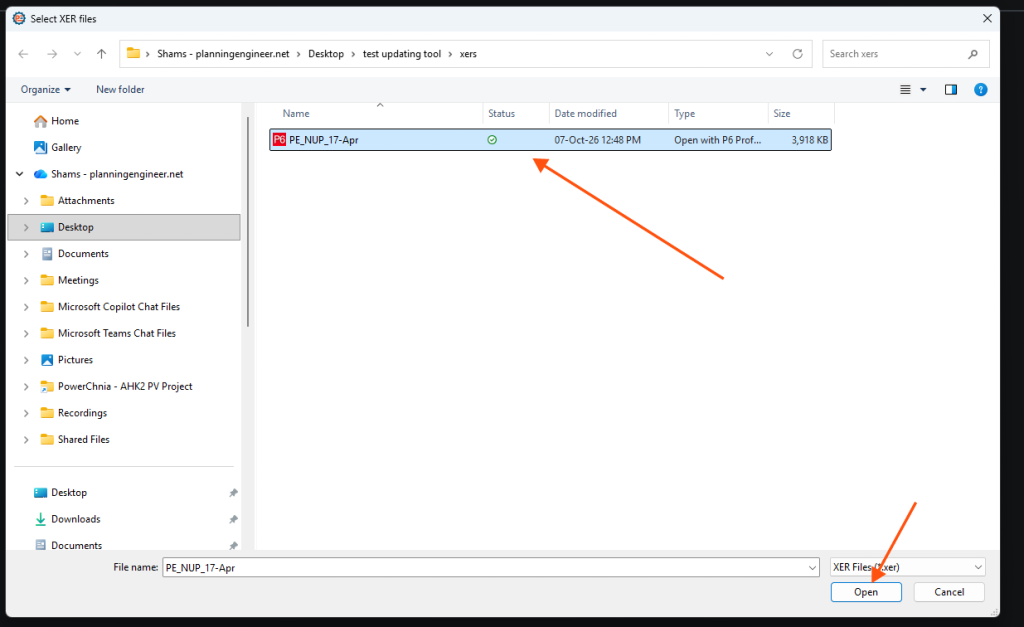
Open the XER path and open the XER file
Step 5
Click the Next button

Step 6
Select the project to be updated, then click the Next button

Step 7
Browse where to save the updated XER file, then click Next

Open the Schedule Update Tool and Select an XER Project
Open the Schedule Update Tool, load the XER file, select the project to update and choose where to save the updated XER.
Guide 7 of 11 in Updating Tool


