

Why is the total cost in the power Query different than BOQ?
Have you ever used Microsoft Excel Power Query in your daily planning tasks, such as data loading and Cost Loading sheets? If the answer is yes, in this article I want to give you some tips and tricks about the application of power queries. Do not worry, it is straightforward and very easy.
Cost Loading Problems:
When you finish creating your project Data loading and Cost Loading sheets, and you realize that the Activity total cost out from power Query is not equal to the Total cost in your project Master BOQ, that problem could take a long time to find the reason and solve it. Let’s talk about a very common reason always facing most planning engineers.
In our case study project, the Project’s total cost is already known.
Ready to take your skills to the next level? 🚀 Check out our Special Online Courses! 🚀
Gain valuable insights, boost your career, and learn from industry experts.

We have created the master BOQ and Cost loading like this video and we found that the total activity cost does not equal that value.

Step 1:
Don’t panic, from “data” open “Queries and connections” and open your data loading power query.

Step 2:
When the window opens go to the first step, select all your sheet content (CTRL+A) and go to the “Transform” tab, and click “Detect Data Type”
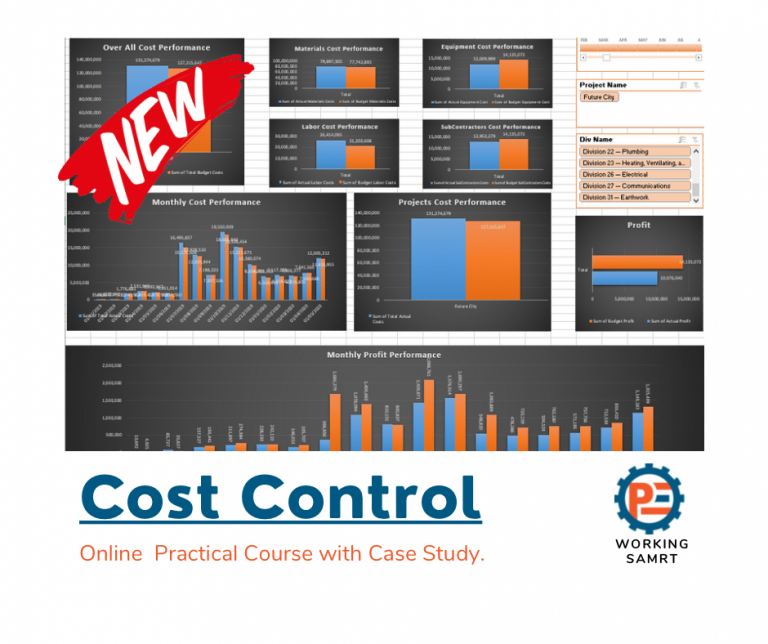
Cost Control for Construction Projects
Course WhatsApp Support Group All enrolled trainees get an invitation to the course WhatsApp support group, where our team answers your questions…
- 811 students
- WhatsApp support group
- Certificate

After taking this step, this window will appear. Again, please don’t panic; we will discuss the meanings of each word in it now.
Check If you have a column in your master BOQ that consists of numbers, make sure that you make it “type number”, If you have a column in your master BOQ that consists of a text, make sure that you make it “type text”, If you have a column in your master BOQ that consists of a Percentage, make sure that you make it “type Percentage”.
in our case study we found that we have a column containing numbers for the floor distribution and the type of it is written as a “text”

Let’s change it to “number”, click “close and load”, and see the magic happen.

Back to your activity cost sheet click “Refresh all” and wait for it to load.

Now the Total activity cost is equal to the total BOQ cost in the first screenshot.
Download the Resources of this Article
Why is the total cost in the power Query different than BOQ? 750.49 KB 1589 downloads

Keep in Touch
Join our Email Newsletters and receive FREE weekly useful content!

Keep growing with Planning Engineer
Learn with a clear path
From Primavera P6 basics to claims, cost control and Power BI. Start with our free courses.
Browse coursesGet help on WhatsApp
Every course comes with a private WhatsApp support group where our team answers your questions.
Join a courseFind planning jobs
109 open planning and project control jobs. Post your resume so employers can find you.
See jobsGet tips by email
Free planning tips, templates and course offers. Unsubscribe any time.
Related posts:





![_Can We Change a Relationship While Updating a Time Schedule How and Why [Change Log Template]](https://planningengineer.net/wp-content/uploads/2025/04/Can-We-Change-a-Relationship-While-Updating-a-Time-Schedule-How-and-Why-Change-Log-Template-600x400.png)
